Parts Implemented by İsmail Tunahan Er
For non-admin users, on the left side-menu, buttons for some entities that lists all records for selected entity. Transfer records can be seen below:
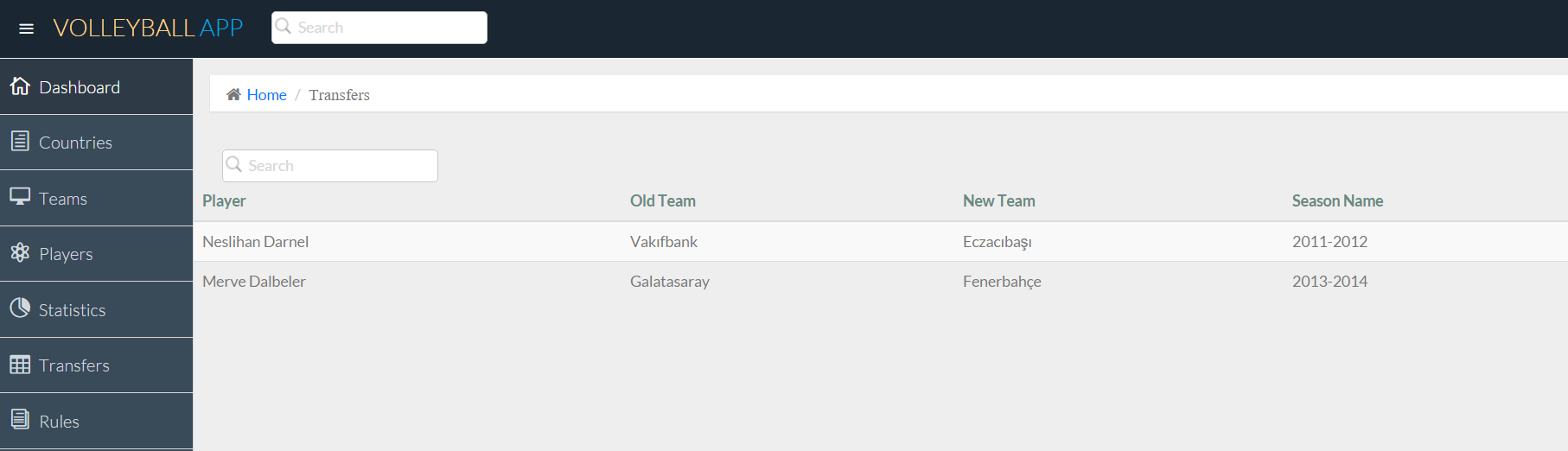
Transfer section interface for non-admin users
For the all entities, search operation can be done with the search box at the top of the tables.
For admin users, there is an admin panel that provides an admin operations such as insert, update, and delete for all entities. This panel also includes a button that initializes the database and inserts a several records for the beginning.
Edit page example can be seen below:
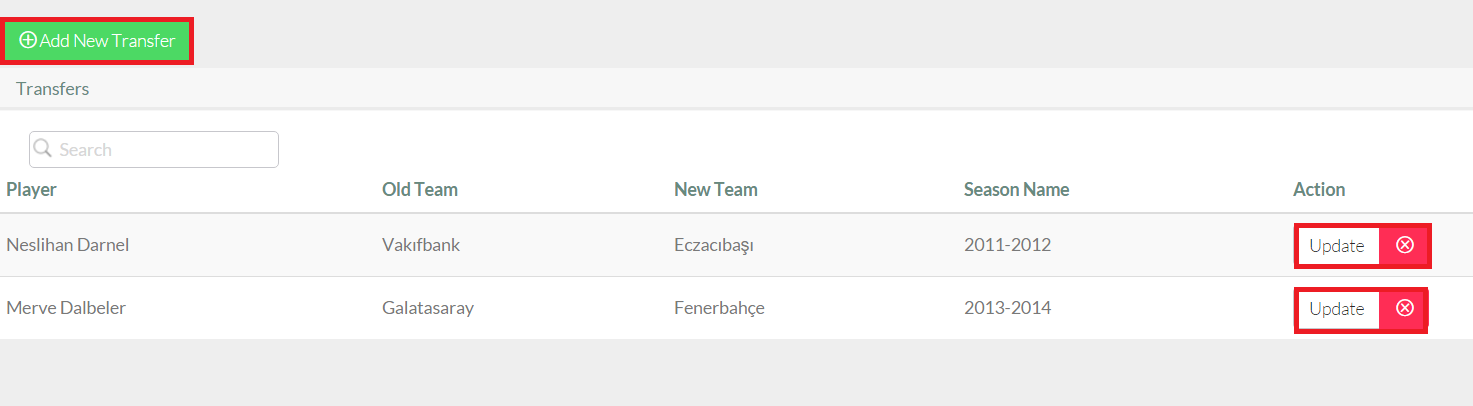
Admin edit page(Transfer section)
Admin can add new Transfer by clicking Add New Transfer button:
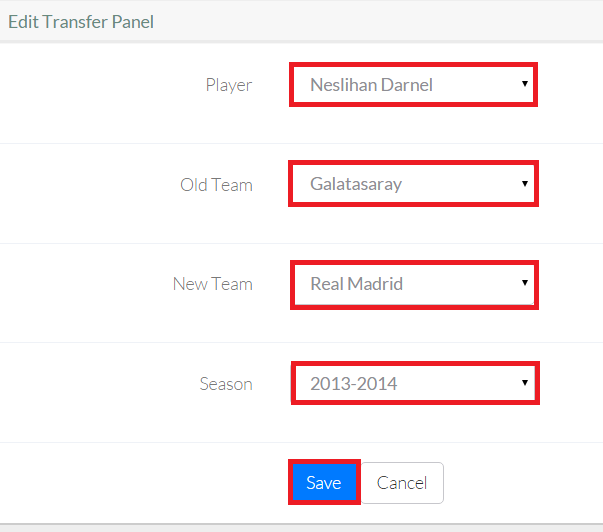
Add operation(Transfer section)
Update an existing transfer by clicking update button:
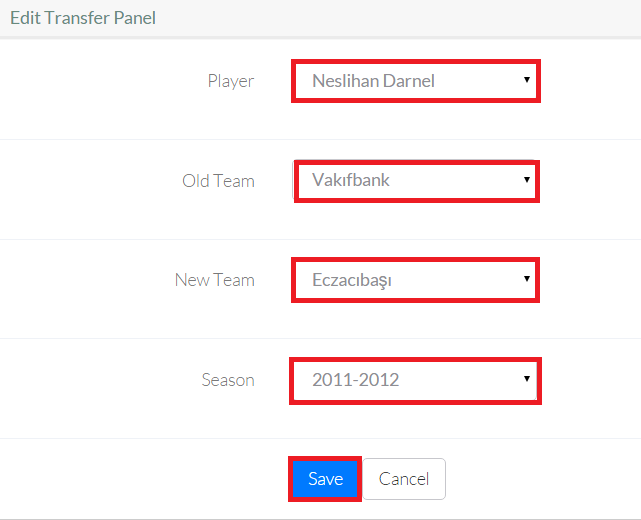
Update operation(Transfer section)
And delete an existing transfer by clicking the red cross near the update button.
These properties are same for hand and season entities:
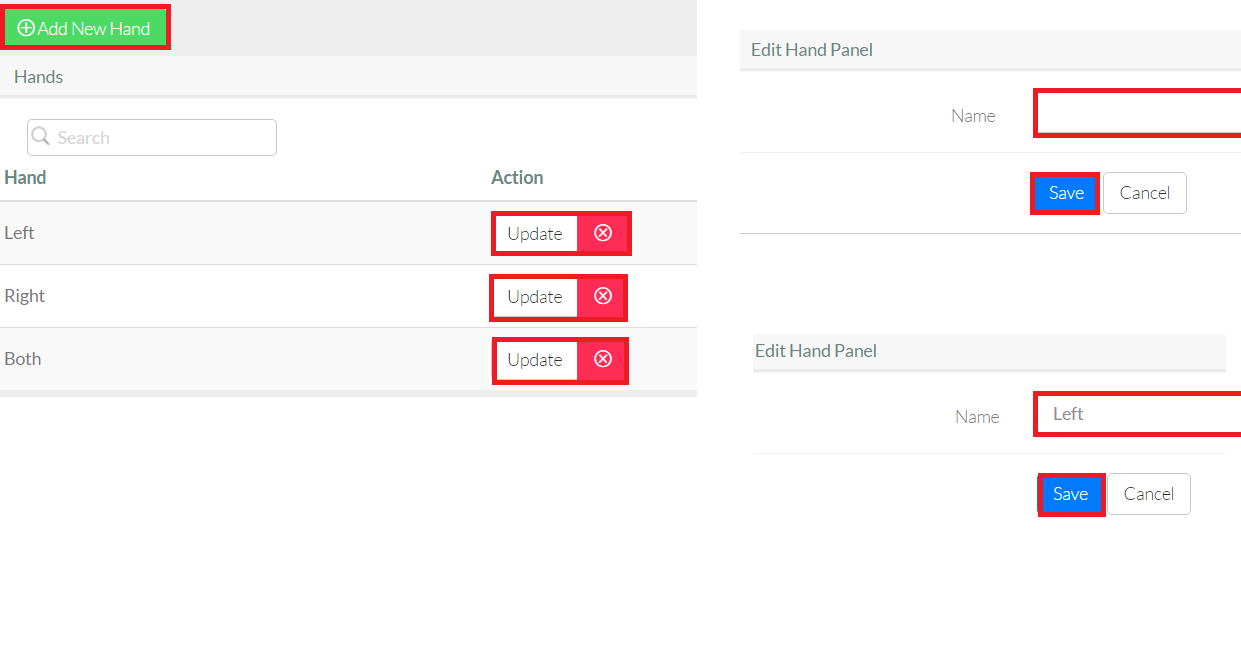
Operations for Hand section
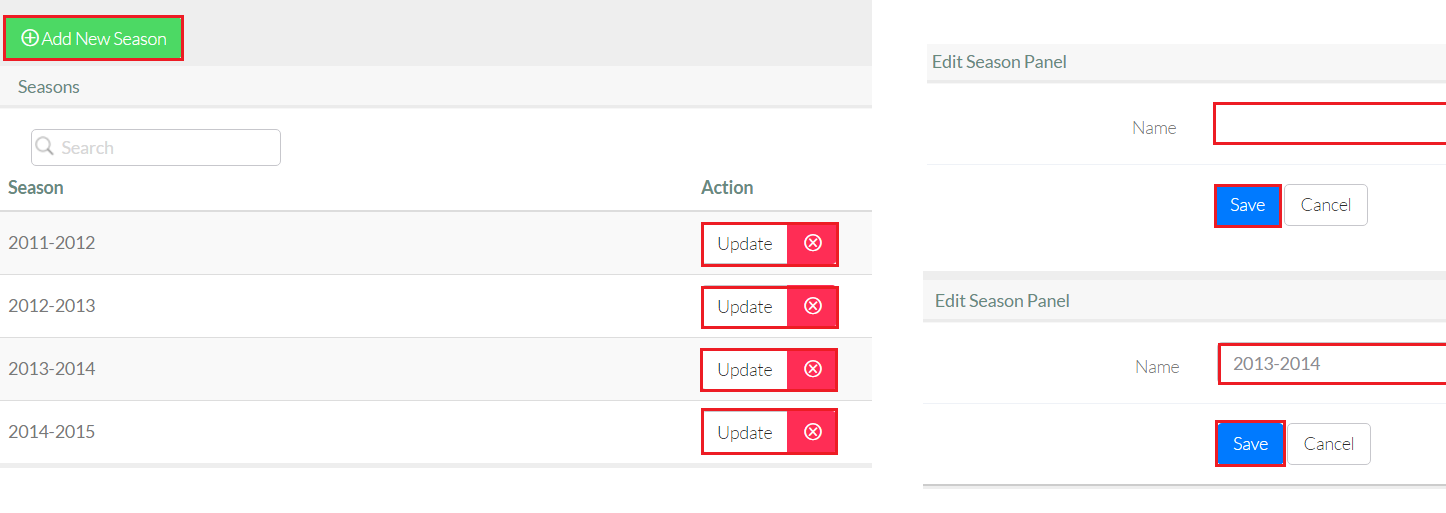
Operations for Season section
In this project delete operations are restricted for the foreign keys that are using by another entities. To illustrate, “left hand” can not be deleted from the database since there are players exist who use left hand.
Similiarly, an update operation cascades all referenced objects in the database.