User Guide
In default, there is 2 user-role. A user is an admin or not. To enter the main page, log in operation must be done. If user does not have an account, he/she can easily sign up by clicking “Dont have an account?”.
Non-admin users can see all the necessary entities by the menu at the leftside of the enterance page. They can click on any entity they want in order to see the existing information. They can list the data and make search operation on them.
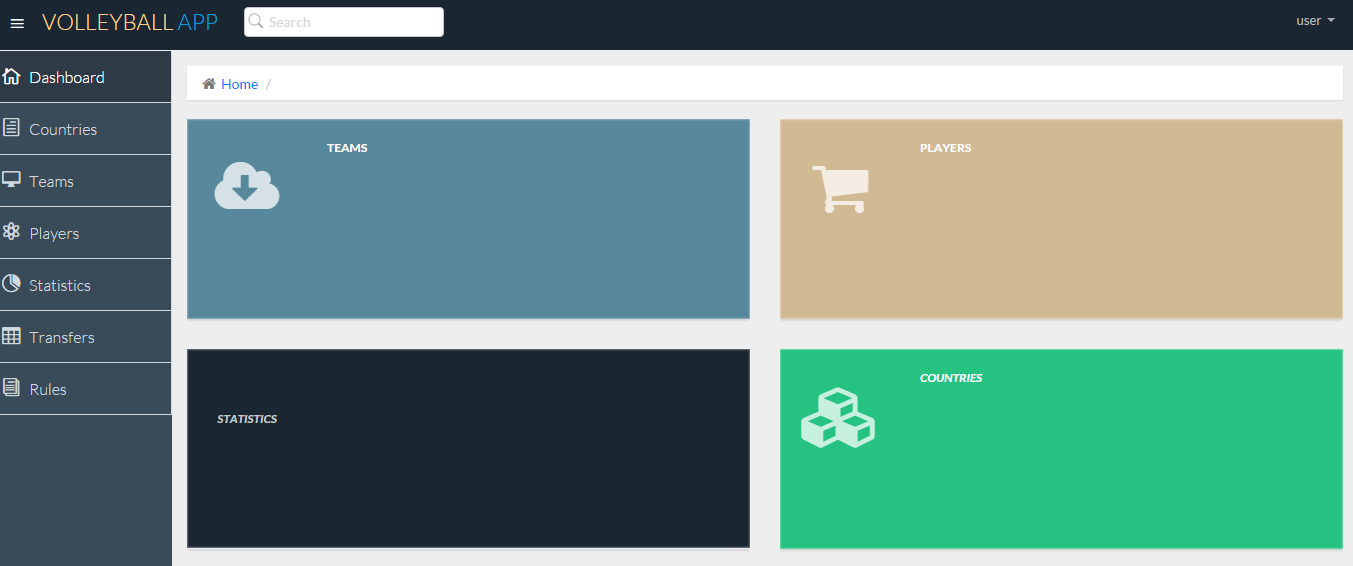
Main interface for non-admin users
Administrator users can do all the same things. Additionally, there is an Admin Panel section on the menu that lets Admin users edit and manipulate the database as they like. If an unexpected problem occurs in database, administrator can click on initialize database button to reinitialize database.
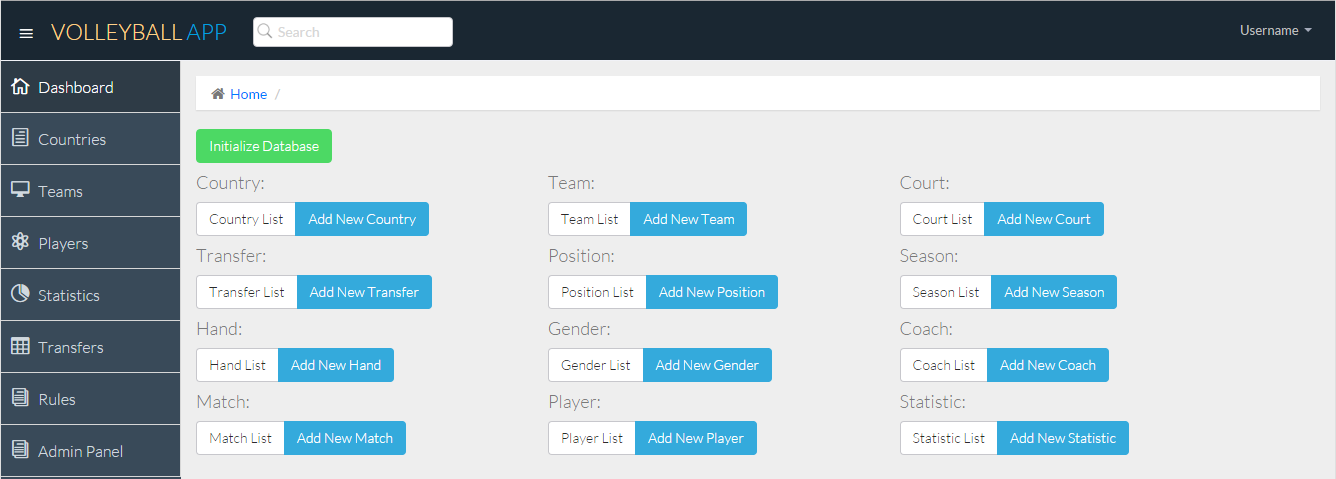
Admin Panel for admin-priviliged users