Parts Implemented by Burak Sayın
For non-admin users, there is an interface which shows all the information thats exists in the database. Player entity can be seen in the image below:
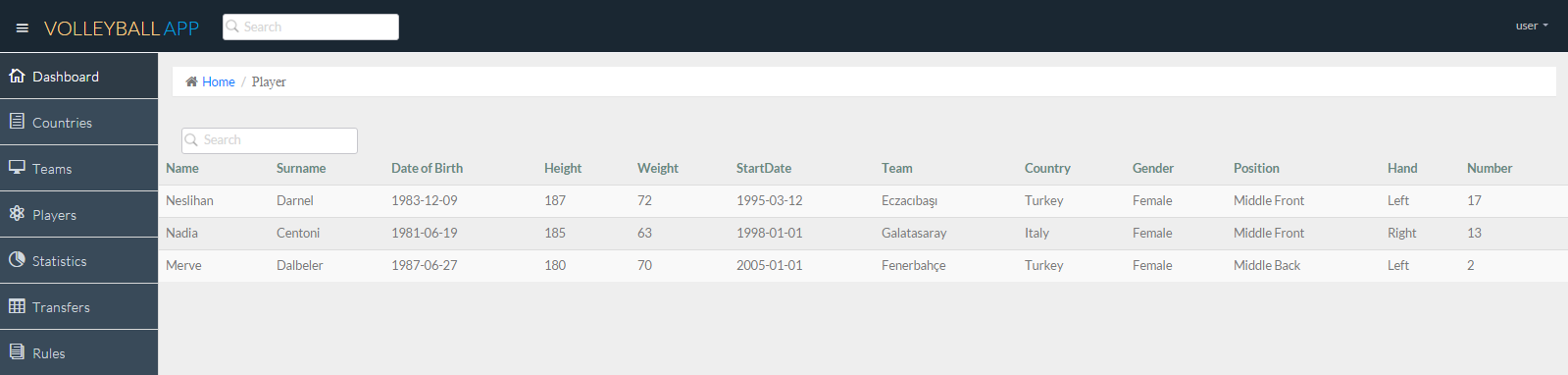
Player section interface for non-admin users
Users can do search operation with the search box above the list.
For admin users, there is an admin panel on the menu. It can only be seen by the users that have admin priviliges. With this interface, administrators can manipulate the database as they like. They can add, update and delete items to the entities as long as they do not cause inconsistency.
Edit page example can be seen below:
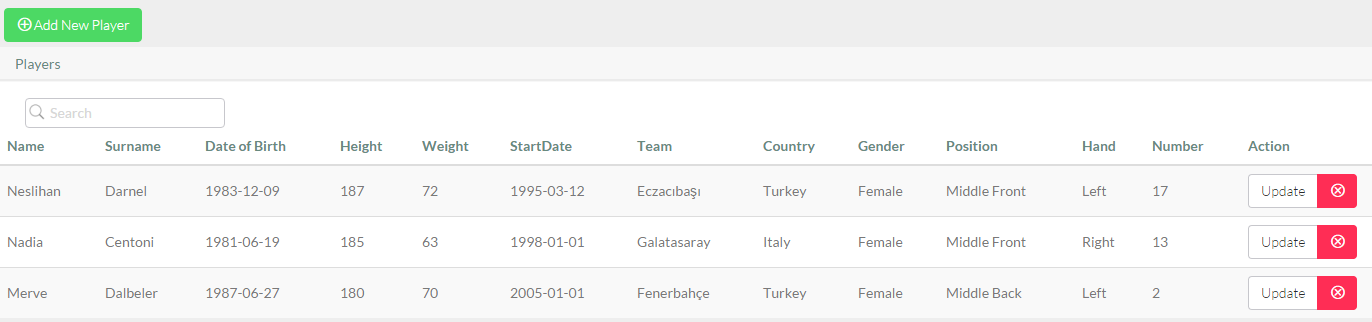
Admin edit page(Player section)
Admin can add new player by clicking Add New Player button:
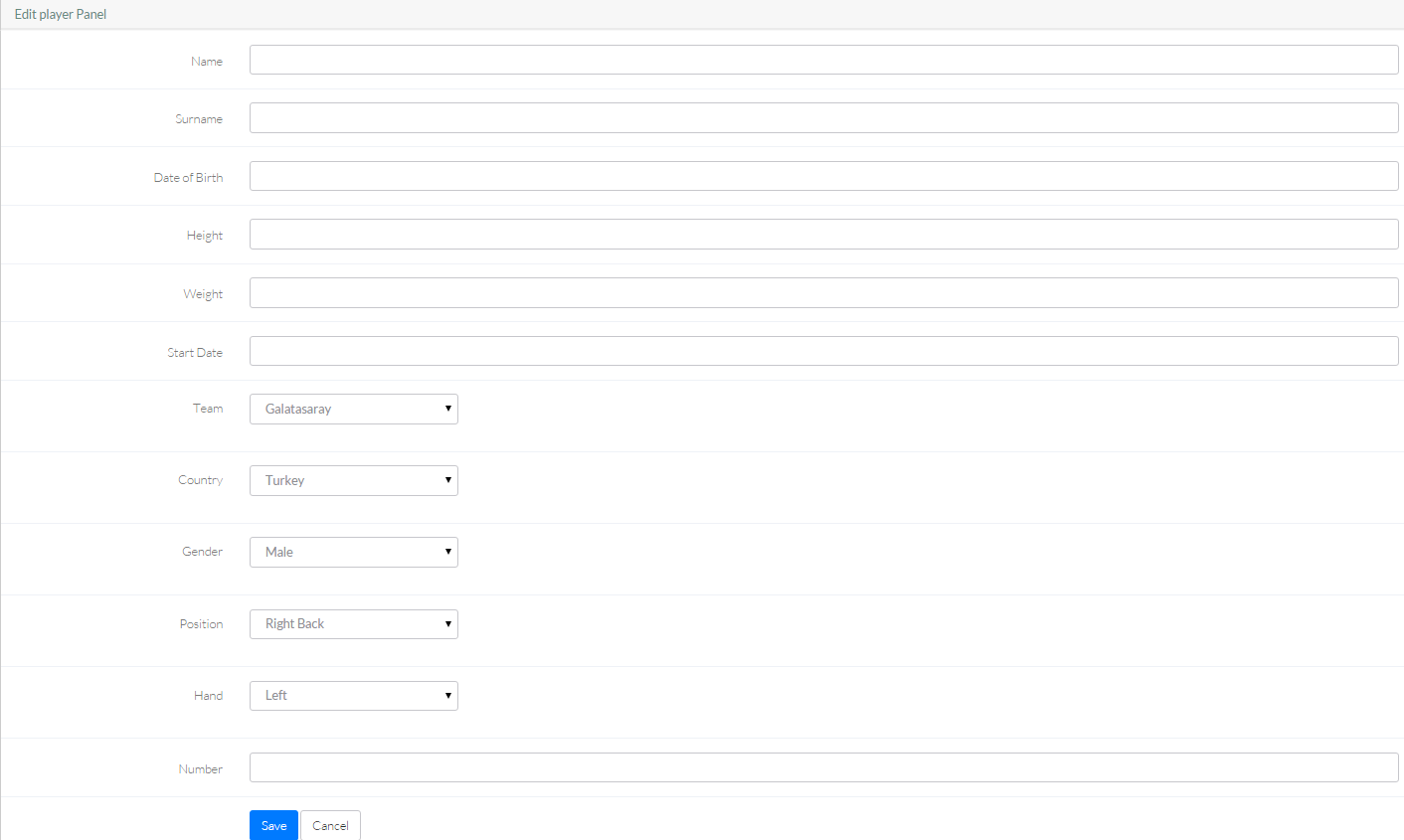
Add operation(Player section)
Update an existing player by clicking update button:
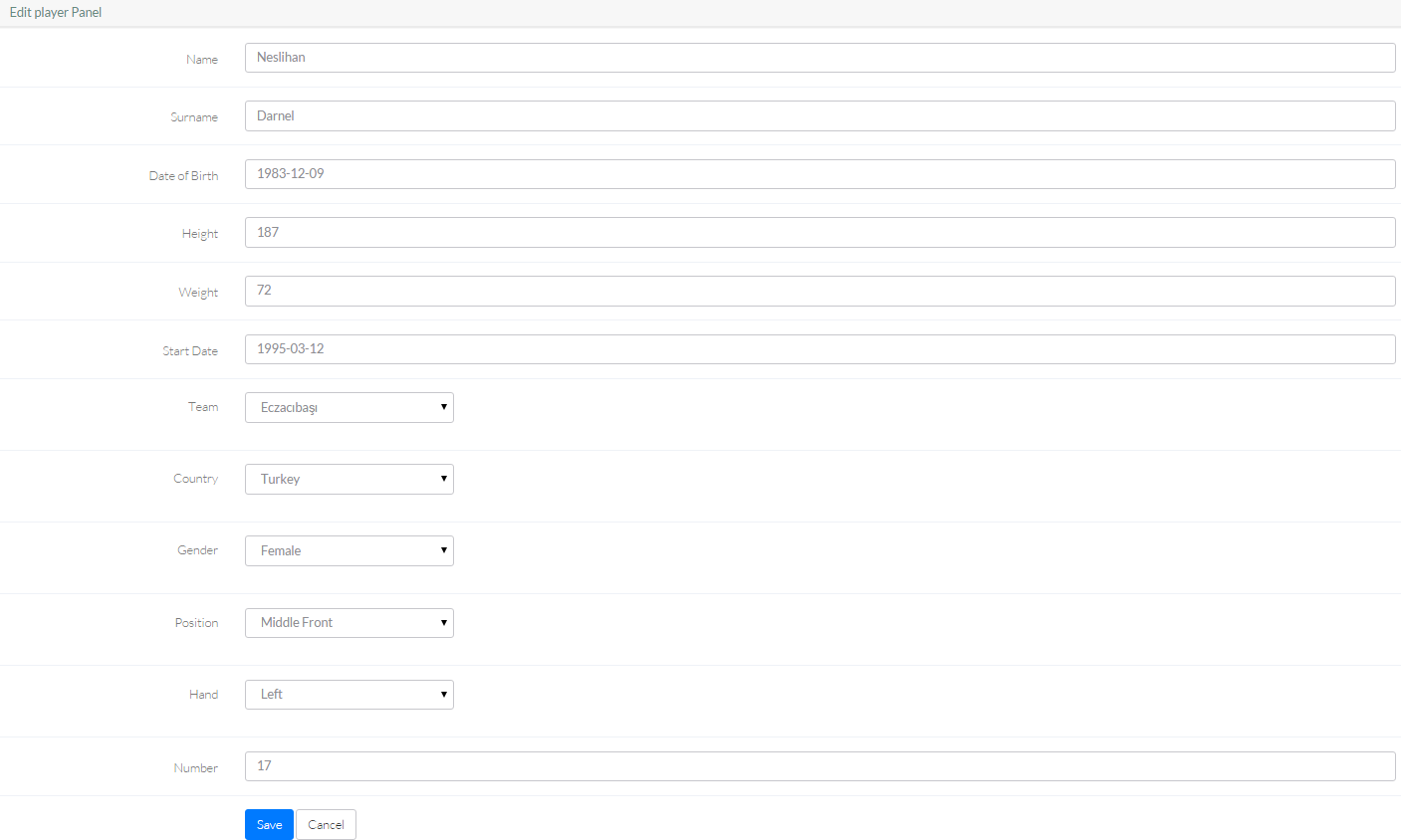
Update operation(Player section)
And delete an existing player by clicking the red cross near the update button.
These properties are same for position and gender entities:
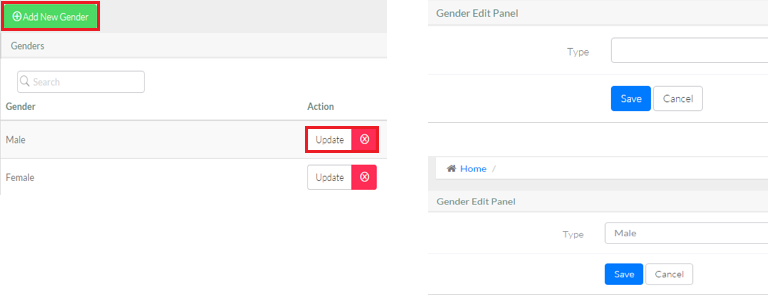
Operations for Gender section
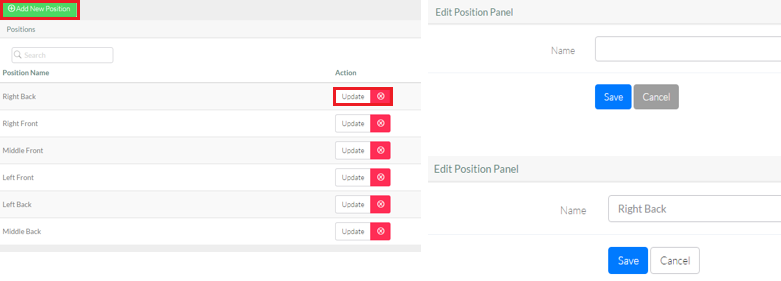
Operations for Position section
Deletion operation can not be done if that object is used in any other entity.(e.g. if there is a female player, it is not allowed to delete female gender)
Similiarly, an update operation on an object updates all the other objects referenced to itself.